Working from home has become increasingly common, but many people quickly discover that a cluttered and disorganised workspace can make it difficult to stay focused and productive.
Whether you have a dedicated home office, a spare corner of the living room, or a small desk tucked into a bedroom, creating an organised workspace can significantly improve your efficiency, concentration, and overall job satisfaction.
The good news is that you don't need a large budget or a complete office makeover to create a productive environment. With a few simple organisation strategies, you can transform your workspace into a place that helps you do your best work.
In this guide, you'll learn how to organise a home office for better productivity, reduce distractions, and create a workspace that supports your daily routine.
Why Home Office Organisation Matters
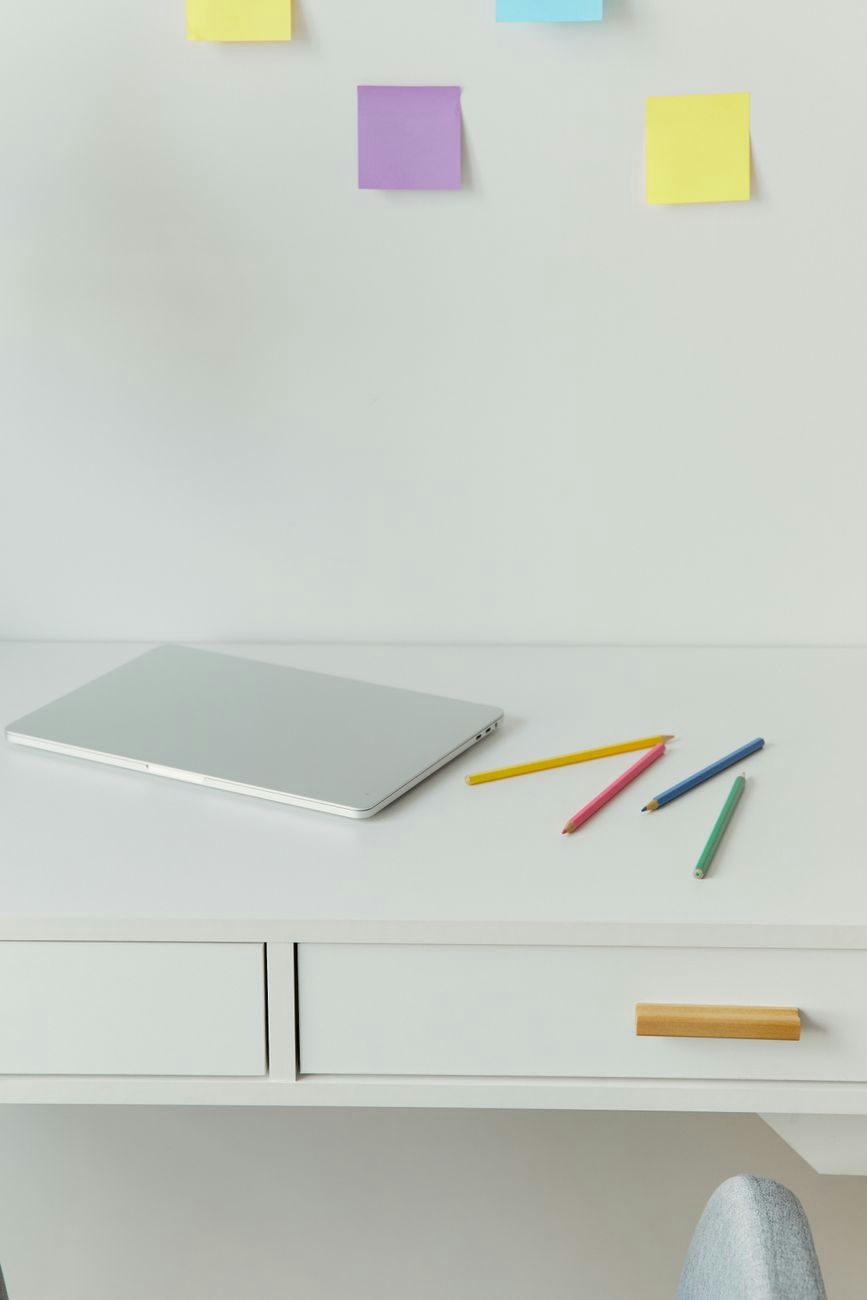
A well-organised workspace isn't just about appearances.
Research consistently shows that clutter can contribute to stress, distraction, and reduced productivity.
An organised home office can help you:
- Focus more easily
- Find documents quickly
- Reduce distractions
- Improve time management
- Create a better work-life balance
- Make your workspace more enjoyable
Even small organisational improvements can have a noticeable impact on your working day.
Start with a Complete Declutter
Before investing in storage solutions, begin by removing everything from your desk and workspace.
This allows you to assess what you actually need and identify items that are creating unnecessary clutter.
Sort Items into Categories
Create four groups:
- Keep
- Relocate
- Recycle
- Bin
Be honest with yourself about what you genuinely use on a regular basis.
Remove Non-Essential Items

Many desks accumulate items that have little to do with work, including:
- Old paperwork
- Empty notebooks
- Unused cables
- Promotional items
- Broken stationery
Removing these items instantly creates a cleaner and more productive environment.
Create Dedicated Work Zones
One of the easiest ways to improve productivity is to assign specific areas for different tasks.
Your Primary Work Zone
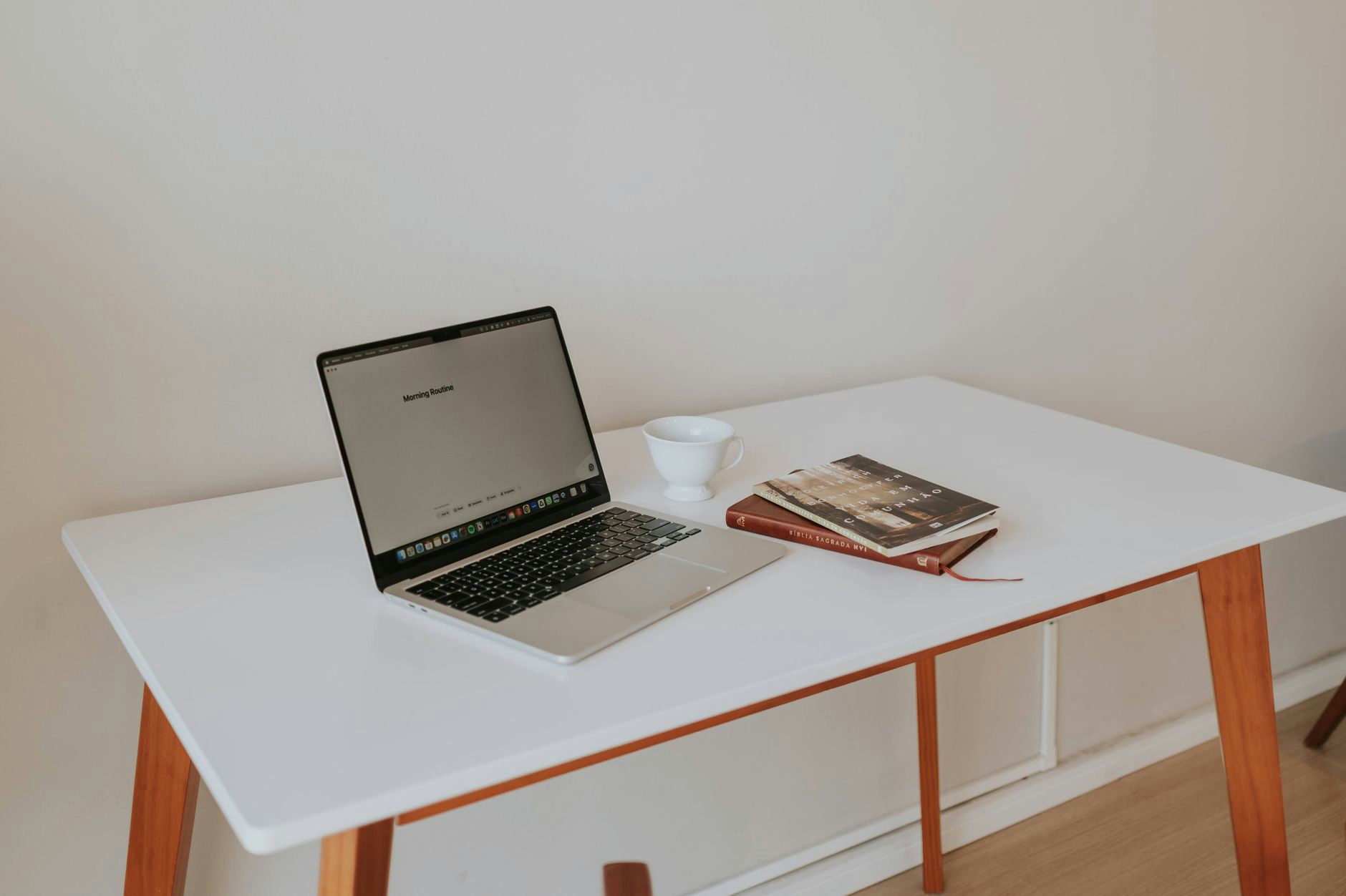
This should contain only the essentials you use daily, such as:
- Laptop or computer
- Monitor
- Keyboard
- Mouse
- Notebook
- Water bottle
Keeping this area clear helps minimise distractions.
Your Storage Zone
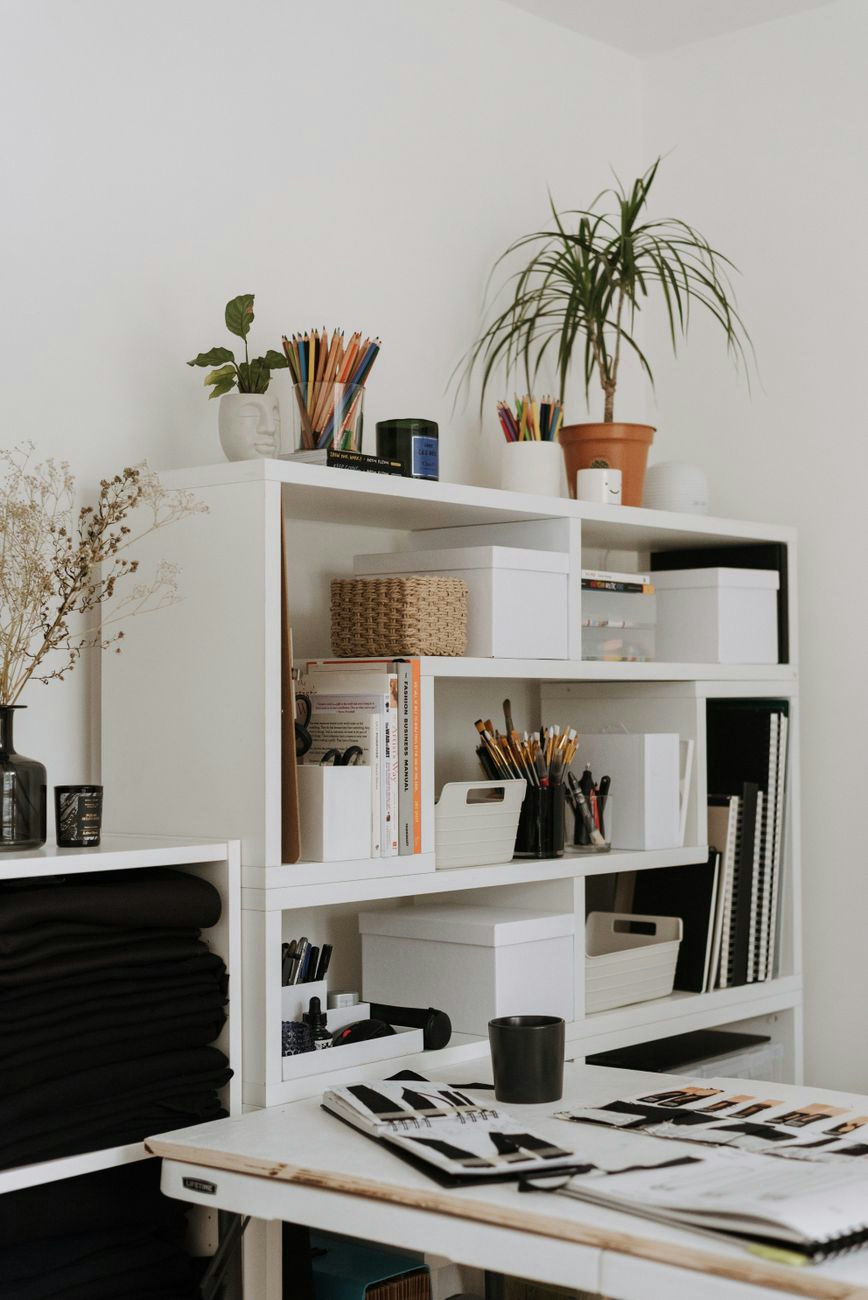
Store less frequently used items nearby but out of the way.
Examples include:
- Reference materials
- Spare stationery
- Chargers
- Filing systems
This keeps your desk surface clear while ensuring everything remains accessible.
Optimise Your Desk Layout
A poorly arranged desk can make work feel more difficult than it needs to be.
Follow the Reach Rule
Keep your most-used items within arm's reach.
This may include:
- Pens
- Notebook
- Phone
- Water bottle
- Daily planner
Less frequently used items can be stored elsewhere.
Position Your Monitor Correctly
The top of your monitor should sit at approximately eye level to reduce neck strain.
If needed, use a monitor riser to improve ergonomics while creating additional storage underneath.
ClutterCraft Recommended
Monitor Riser
Manage Paper Clutter
Paper is one of the biggest sources of office clutter.
Creating a simple filing system can dramatically improve organisation.
Create Three Categories
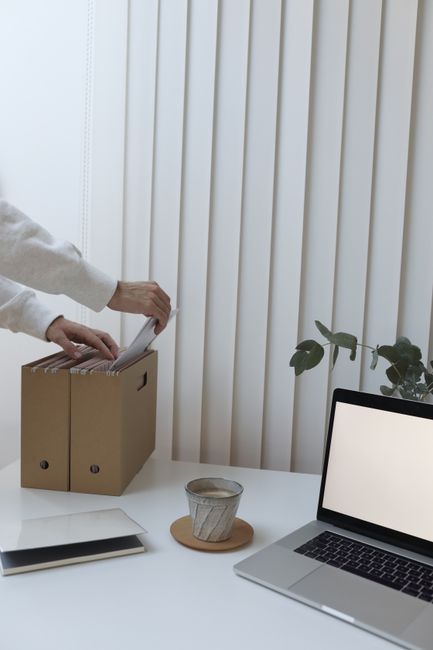
Use separate folders for:
- Action Required
- To File
- Archive
This prevents paperwork from piling up on your desk.
Digitise Where Possible
Consider scanning and digitally filing:
- Receipts
- Utility bills
- Contracts
- Notes
Reducing physical paperwork helps create a cleaner workspace.
Organise Cables and Technology
Messy cables can make even the most organised office look untidy.
Use Cable Management Solutions
Simple cable organisers can help control:
- Charging cables
- Monitor leads
- Printer cables
- Extension cords
Label Chargers and Cables
If you use multiple devices, labels can save time and prevent confusion.
Maximise Vertical Space
If your home office is small, walls can provide valuable storage opportunities.
Install Floating Shelves
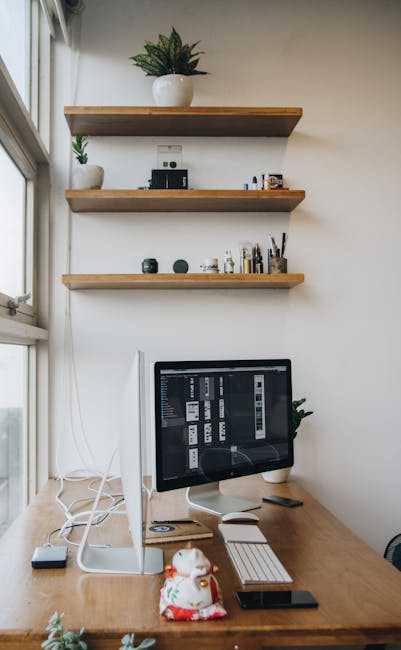
Floating shelves are ideal for storing:
- Books
- Office supplies
- Decorative items
- Storage baskets
They help keep desks clear while making use of unused wall space.
ClutterCraft Recommended
Floating Shelves
Use Wall Organisers
Wall-mounted organisers are useful for:
- Documents
- Calendars
- Notes
Keeping these items visible can help you stay organised and on schedule.
Create Effective Storage Systems
The easier it is to put things away, the more likely you'll stay organised.
Use Storage Boxes and Baskets
Storage containers work well for:
- Spare cables
- Office supplies
- Notebooks
- Printer paper
Use Drawer Dividers
Messy drawers waste time and create frustration.
Drawer dividers help organise:
- Pens
- Sticky notes
- Chargers
- Paper clips
- USB drives (if you still use these!)
Improve Your Daily Workflow
Organisation isn't just about storage.
It's also about creating systems that support productivity.
Keep a Daily Task List
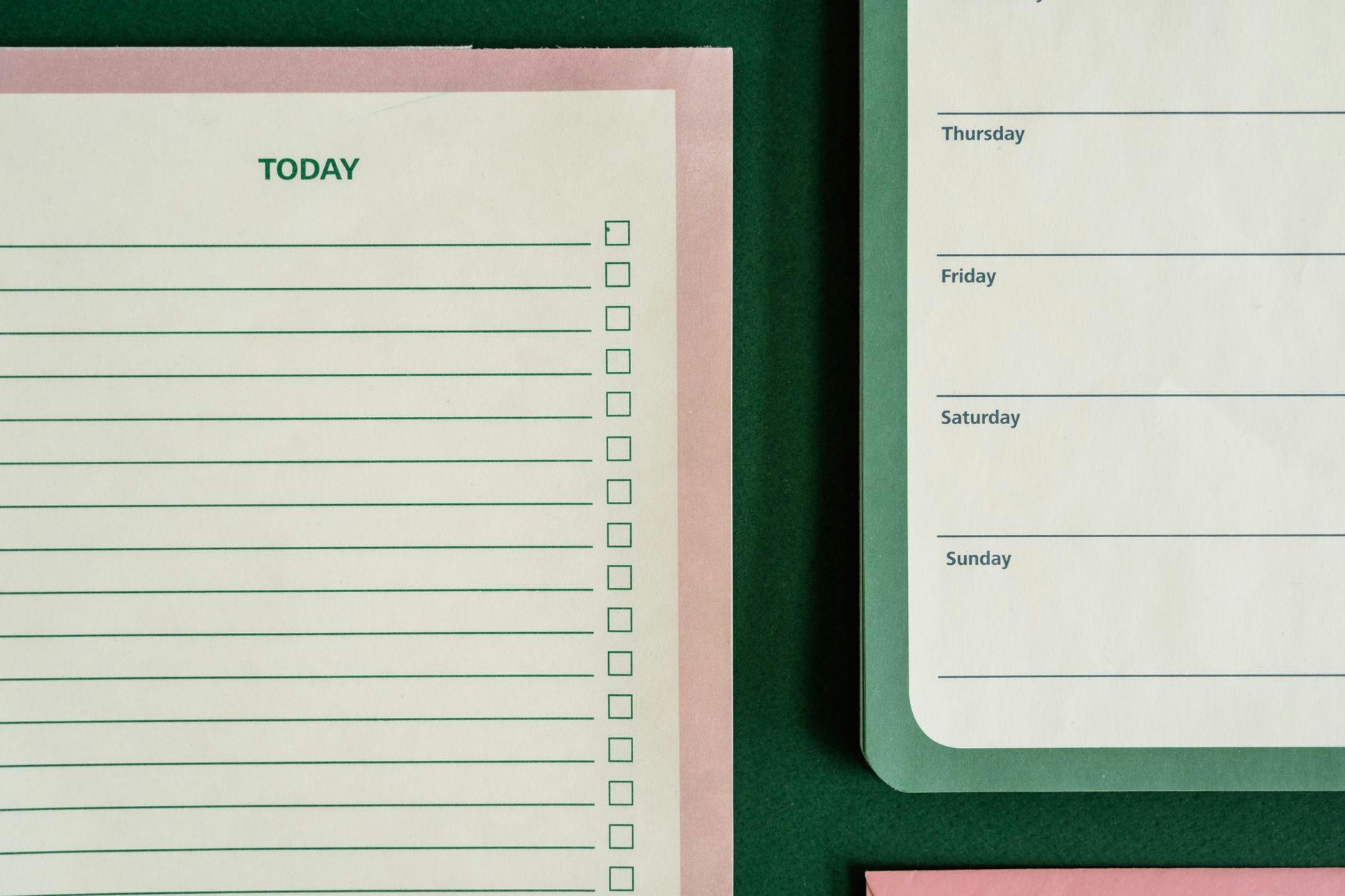
A simple daily list helps you:
- Prioritise important tasks
- Stay focused
- Reduce the chance of becoming overwhelmed
Whether you prefer paper or digital tools, having a clear plan can improve productivity significantly.
End Each Day with a Reset
Spend five minutes at the end of each workday:
- Clearing your desk
- Filing papers
- Updating your task list
- Preparing for tomorrow
This small habit can have a major impact on productivity.
Create a Comfortable Working Environment
Comfort plays an important role in maintaining focus.
Invest in Ergonomic Essentials
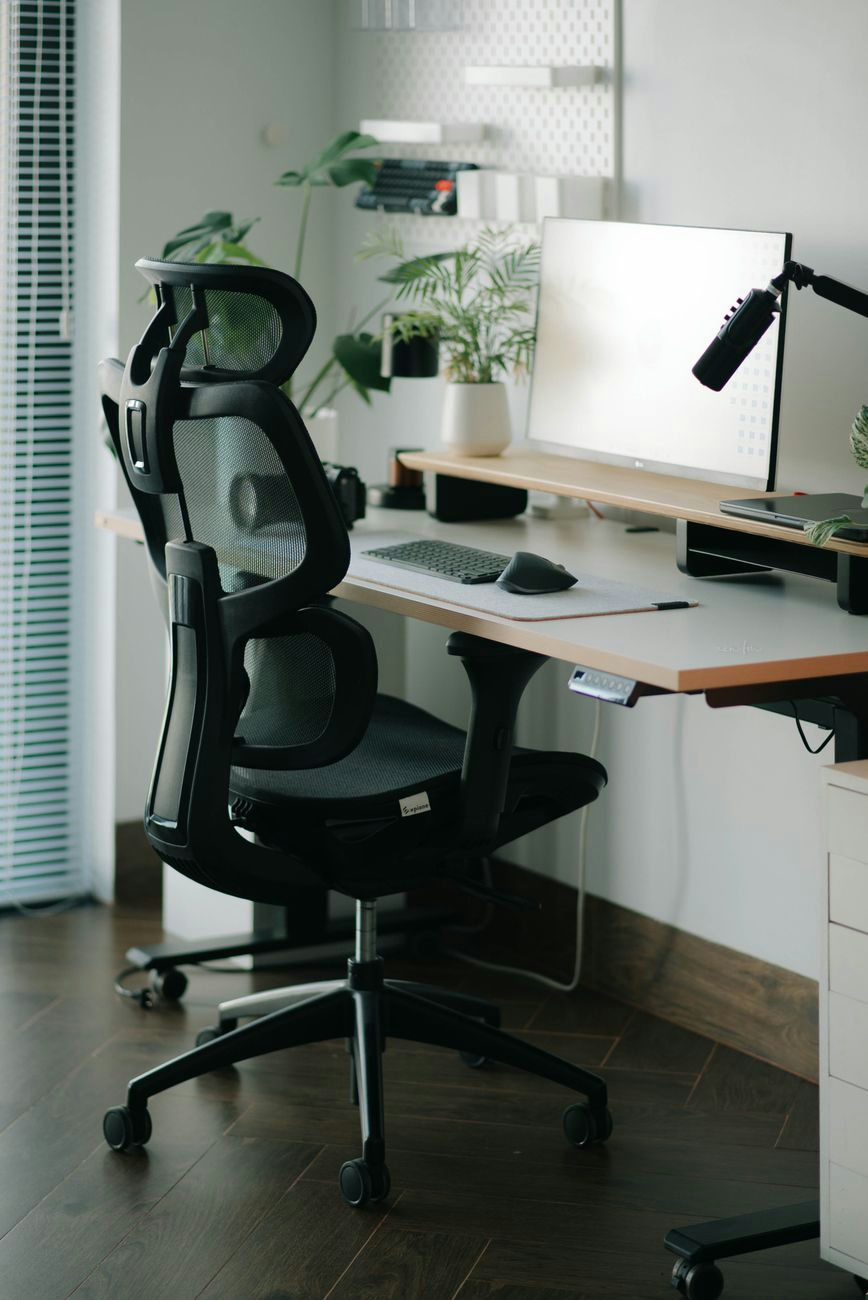
Poor ergonomics can lead to discomfort and reduced productivity.
Consider:
- An ergonomic chair
- A monitor riser
- Wrist support
Improve Lighting
Natural light is ideal where possible.
If that's not an option, use a desk lamp to reduce eye strain.
Home Office Organisation for Small Spaces
Not everyone has a dedicated office room.
Fortunately, productive workspaces can be created almost anywhere.
Use Multifunctional Furniture
Consider furniture that provides:
- Storage
- Workspace
- Organisation
Examples include desks with built-in drawers or shelving.
Keep Equipment Portable
If your office doubles as another room, use storage containers to keep work supplies organised and easy to move when needed.
Common Home Office Organisation Mistakes
Keeping Too Much on Your Desk - only keep items you use regularly within reach.
Ignoring Cable Management - visible cable clutter can make a workspace feel chaotic.
Buying Storage Before Decluttering - always reduce clutter before purchasing organisers.
Creating Overly Complicated Systems - simple systems are easier to maintain and more likely to succeed long-term.
Frequently Asked Questions
How do I organise a small home office?
Focus on vertical storage, cable management, and multifunctional furniture to maximise available space.
What should be on my desk?
Keep only daily essentials such as your computer, mouse, notebook, pen, and water bottle.
How can I reduce distractions when working from home?
Declutter your workspace, create dedicated work zones, use task lists, and keep non-work items out of your immediate work area.
How often should I declutter my home office?
Spending 5 minutes at the end of every working day normally means the clutter won't build up, but a quick weekly tidy never goes amiss.
Does office organisation improve productivity?
Yes. An organised workspace can reduce distractions, save time, lower stress levels, and help you focus more effectively.
Final Thoughts
Learning how to organise a home office for better productivity doesn't require expensive furniture or a complete redesign.
By decluttering regularly, creating dedicated work zones, managing paperwork, organising cables, and introducing simple storage systems, you can create a workspace that supports focus and efficiency.
Start with the biggest source of frustration in your current setup and make improvements gradually. Small changes often deliver surprisingly large productivity benefits.
The most effective home office is not necessarily the most stylish—it's the one that helps you work comfortably, efficiently, and consistently every day.